Teach your coding agent to teach itself: a hands-on tour of Reef's self-improving harness
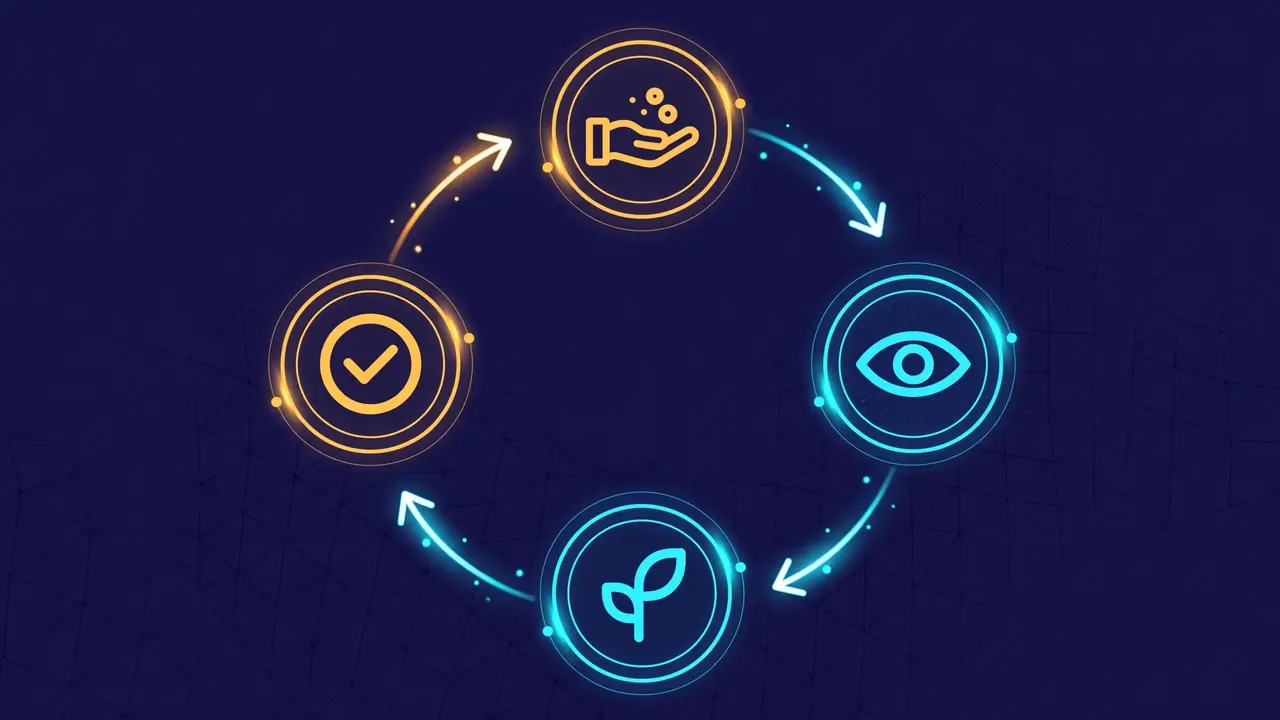
Your coding agent’s habits are frozen the day you install it. Every correction you give it — “write a failing test first,” “check the docs before you refactor” — evaporates when the session ends. Reef is the first open-source infrastructure for continually self-improving agents (Apache-2.0, roughly 7,500 GitHub stars as of October 2026), and it closes that loop: it serves your agent’s requests, observes the feedback, grows an update from it, and commits the accepted change to a version history — like releases for your agent’s behavior. It can evolve model weights with an RL stack, or evolve the harness: prompts, rules, and skills. This tutorial takes the second path, which needs no training GPUs — just a model endpoint. We’ll run Reef’s built-in Reefine recipe, point it at Ollama, and teach our coding agent a new habit in plain language.
- Reef is the first open-source infrastructure for continually self-improving agents (Apache-2.0, roughly 7,500 GitHub stars as of October 2026); the loop is serve requests → observe feedback → grow an update → commit the accepted change to a version history.
- It can evolve model weights with an RL stack, or evolve the harness: prompts, rules, and skills. The Reefine recipe takes the second path — no training GPUs, just a model endpoint.
- You need: Python 3.12+ and uv; a model endpoint — Ollama with a tool-capable local model (the recipe uses gemma4:26b, a multi-GB pull) or any OpenAI-compatible API; Node.js, npm, rg, and fd for the pi adapter; git-lfs for Reef's artifact and checkpoint features.
- Install: uv venv && source .venv/bin/activate, then uv pip install reef-infra (the PyPI package is reef-infra; the Reefine recipe ships inside it).
- Start: reef serve --recipe reefine --inference.upstream-url http://127.0.0.1:11434 --inference.upstream-model gemma4:26b --inference.upstream-api-key dummy — Reef listens on 127.0.0.1:8901 (no auth unless REEF_TOKEN is set) and keeps state under .reef/reefine/.
- Teach a habit in plain language: create a scenario (curl POST /reef/scenarios), install the reef-pi harness (curl ... /reef/harness/install?adapter=pi | bash), then reef-pi /reefine: 'When I ask you to fix a bug, reproduce it with a failing test before editing the code.' — or reef-pi evolve '...' --wait from the shell.
- Nothing lands automatically: every update is a version you review (/versions, /versions <version>) and install, then /reload. The default evaluation only checks the harness can run 'echo reef-ok' — passing that health task does not prove the behavior works; extensions run with your privileges, so inspect their declared requirements before installing.

What you’ll need
- Python 3.12+ and uv — the README’s recommended route.
- A model endpoint — Ollama with a tool-capable local model (the tutorial recipe uses
gemma4:26b, a multi-GB pull), or any OpenAI-compatible API. - Node.js, npm,
rg, andfd— needed by thepiadapter we’ll install. git-lfs— required for Reef’s artifact and checkpoint features; Reef initializes Git LFS locally for its artifact repositories.
This is infrastructure you operate, not a hosted product: you serve the model, you give the feedback, you approve the changes. Nothing below pretends otherwise.
Step 1 — install Reef
The package on PyPI is reef-infra, and the harness-refinement recipe (Reefine) ships inside it:
uv venv && source .venv/bin/activate
uv pip install reef-infra
python3 -c "import reef; print(reef.__version__)"
The weight-training recipes (SAO, TTT-Discover, …) live in the repo’s recipes/ cookbook and need the GPU training stack — we don’t touch them today.
Step 2 — start Reef with the Reefine recipe
Reef’s recipe determines which surface it evolves. Point the Reefine deployment at your endpoint:
reef serve --recipe reefine \
  --inference.upstream-url http://127.0.0.1:11434 \
  --inference.upstream-model gemma4:26b \
  --inference.upstream-api-key dummy
With this configuration Reef listens on 127.0.0.1:8901 with no authentication (set REEF_TOKEN before starting to require one) and keeps its state under .reef/reefine/. For another provider, change --inference.upstream-url and --inference.upstream-model and set REEF_UPSTREAM_API_KEY for authentication. Leave the service running for the rest of the tutorial. One honest note from the repo’s own tutorial: local models can take several minutes per request.
Step 3 — create a scenario and install the reef-pi harness
In a second terminal with the same environment activated, create a scenario — it keeps this harness’s releases and requests together — then install the harness:
curl -fsS -H 'Content-Type: application/json' \
  -d '{"name": "my-harness"}' http://127.0.0.1:8901/reef/scenarios

curl -fsS -H 'x-reef-scenario: my-harness' \
  'http://127.0.0.1:8901/reef/harness/install?adapter=pi' | bash

export PATH="$HOME/.local/bin:$PATH"
reef-pi doctor
The install command downloads a script from your own Reef service and runs it: the harness lands under ~/reef-harness/my-harness and the reef-pi wrapper under ~/.local/bin/, and reef-pi doctor checks the installation and the service connection. Heed the README’s warning here: keep the install root outside the project the agent works in. A session can write files in its project, so an install root there could change what the next session runs — the same goes for the Python environment the install bakes into reef-pi.
Step 4 — ask for the change in plain language
Copy a small workspace aside, start reef-pi, and make the ask inside the session:
mkdir -p "$HOME/reefine-example" && cd "$HOME/reefine-example"
reef-pi
/reefine When I ask you to fix a bug, reproduce it with a failing test before editing the code.You can also submit from the shell — reef-pi evolve "When I ask you to fix a bug, reproduce it with a failing test before editing the code." --wait. Either way, the served model writes the change as a skill, a rules entry, an agent command, or a pi extension, evaluates it, and reports the result with a link to the request page. Where the host can isolate it (Linux with bwrap and pasta, as a non-root user), it even runs the changed harness before handing the change back.
Step 5 — review the version and install it
Nothing lands automatically — every update is a version you review and install like a release:
/versions
/versions <version>
/versions <version> install
/reload
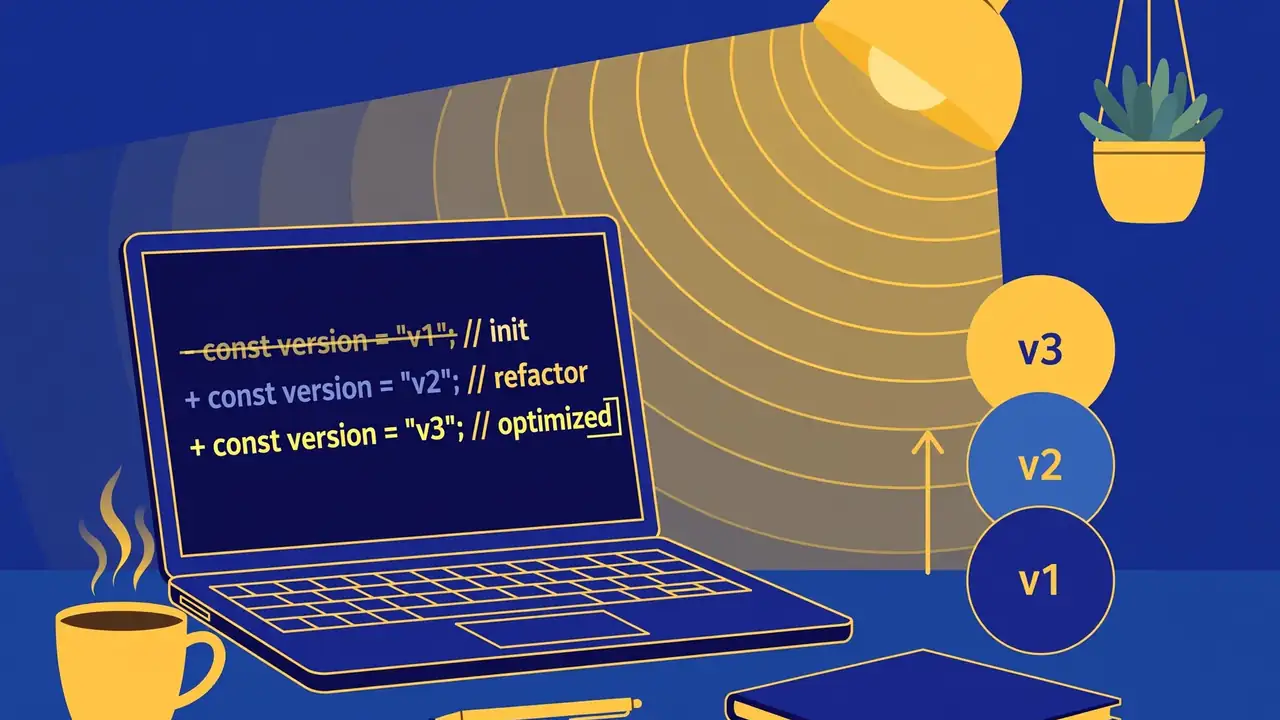
/versions lists them; /versions <version> opens the step’s page with the design, usage instructions, and review notes. If you accept the change, install it, then /reload loads it into your session. Read the review notes honestly: the default evaluation checks that the harness can run echo reef-ok and return its output — passing that health task does not prove your requested behavior actually works. Rejected or skipped requests leave the served version unchanged. And extensions run with your privileges, so inspect their declared requirements before installing.
Step 6 — the same loop, from code
The pi adapter is the friendly face; the HTTP API is the engine. Reef’s inference endpoint speaks OpenAI and Anthropic protocols (/v1/chat/completions, /v1/responses, /v1/messages): you send requests with an x-reef-scenario header, and each response carries an x-reef-agent-record-id header — a receipt for that interaction. You then report feedback against the receipt:
import os, httpx

reef = httpx.Client(
    base_url="http://127.0.0.1:8901",
    headers={"x-reef-scenario": "my-harness"},
    timeout=300,
)
response = reef.post("/v1/chat/completions", json={
    "model": "gemma4:26b",
    "messages": [{"role": "user", "content": "Return exactly: reef is ready"}],
})
receipt = response.headers["x-reef-agent-record-id"]
matched = response.json()["choices"][0]["message"]["content"].strip() == "reef is ready"
reef.post("/reef/report", json={
    "score": float(matched),
    "feedback": "matched" if matched else "wrong answer",
    "references": [receipt],
})
This is the same feedback signal the harness recipes and the weight-training recipes learn from. Start with the Reefine path above; when you want scoring pipelines or evaluators on top, the report endpoint is where they plug in. The full surface is in the repo’s HTTP API reference.
What you built
A coding agent with a memory for corrections. You installed open-source infrastructure (Apache-2.0) that serves your agent’s requests, pointed the built-in Reefine recipe at your own model endpoint, created a scenario, installed the reef-pi harness, and taught the agent a new working habit in one plain-language sentence — then reviewed the versioned change and installed it like a release. Every accepted update keeps its version, its design notes, and its evaluation, so your agent’s habits accumulate instead of evaporating.
Honest limitations
- Local models are slow. The repo’s own tutorial warns that a local model can take several minutes per request — a full propose-and-evaluate cycle is not a snappy loop. Point Reefine at a hosted model if you want the cycle to feel interactive.
- The default health check is thin. The out-of-the-box evaluation verifies the harness can run
echo reef-okand return its output. That’s a liveness check, not proof your requested behavior works — the tutorial says so itself. Judge versions on their review notes and your own trials. - The install location is a security decision. The README is explicit: keep the harness install root, the baked-in Python environment, and the Reef checkout outside the project the agent works in, because session code runs as you. Installing inside the project is a footgun.
- This tutorial only evolved the harness. Weight-training recipes (SAO, TTT-Discover, Guidance-TTT) need the GPU training stack — Slime and SGLang on real accelerators — and the repo’s own recipe guide points at measured benchmarks with full caveats. That’s a different afternoon.
- Extensions run with your privileges. A version that changes an extension waits for your approval to install. Review what it declares and requires before you approve — this is the one place in the loop where trust is explicit.
The bet Reef makes is simple: the agents everyone is excited about right now are frozen artifacts — you get whatever habits shipped in the installer. Roughly 7,500 developers starred the version where the agent keeps a version history of how it works, and learns the difference between your corrections and your preferences. That’s worth an afternoon.